

The Evolution of the Oracle Ecosystem
The landscape of Oracle Fusion Applications has undergone a radical transformation over the last several years. For nearly a decade, the Application Development Framework (ADF) was the bedrock of Oracle’s user interface. The transition from legacy ADF pages to the Oracle Redwood design system is not just a visual upgrade; it represents a fundamental shift in how users interact with enterprise data and business logic.
To keep pace with this evolution, the tools for customization have evolved. Page Composer was the primary tool in the classic era, but Visual Builder Studio (VB Studio Oracle) has emerged as the driving force behind today’s Redwood customization. As we move into 2026, understanding the depth of this platform is no longer optional for Oracle professionals; it is the primary requirement for maintaining a modern ERP environment.
This guide provides an exhaustive deep dive into the setup, navigation, and implementation of Oracle Visual Builder Studio to ensure your Oracle Cloud environment remains agile. Whether you are searching for an Oracle VBS tutorial or attending hands-on VBS workshops, understanding core fundamentals is essential to ensure a smooth transition to the Redwood experience.
What is VB Studio? An Enterprise Overview
Visual Builder Studio is a cloud-based development and DevOps platform provided by Oracle. It serves as the primary gateway for modifying Redwood UI. Unlike traditional sandboxes that operate as isolated “play areas” with limited tracking, VB Studio provides a professional-grade integrated environment.
It is important to understand that VBS is not just a UI editor; it is a full lifecycle management tool. It manages the metadata of your application, bridges the gap between functional requirements and technical execution, and ensures that every change is documented, versioned, and deployable through a structured pipeline.
Core Capabilities of VBS:
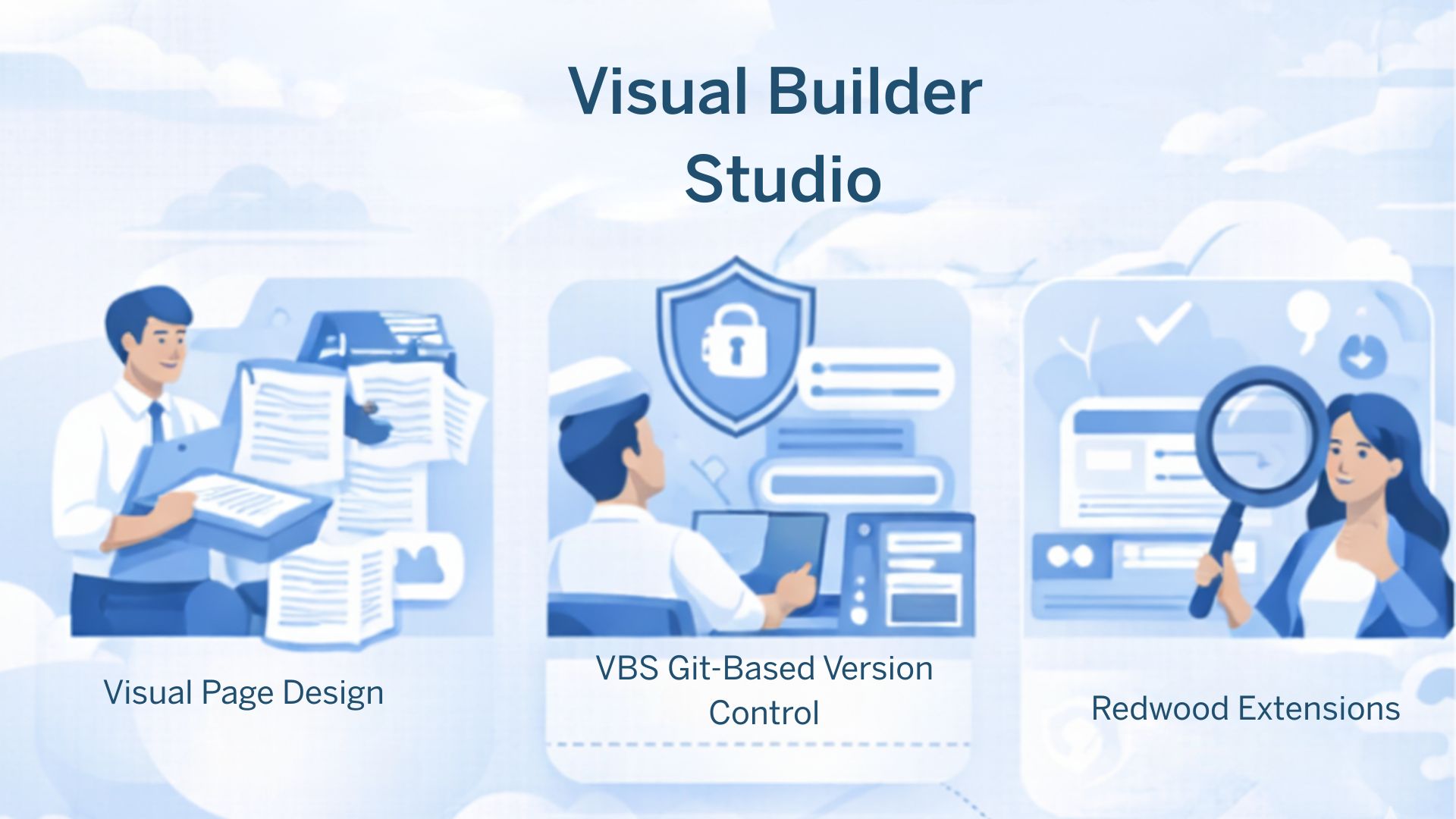
- Visual Page Design: A WYSIWYG interface that allows functional consultants to drag and drop components without touching a line of code. This is a significant departure from traditional VBScript methods that demand specialized programming skills.
- VBS Git-based Version Control: Every change you make in the UI is translated into code in the background. VBS manages that via VBS Git, allowing for professional tracking, branching, and merging of UI extensions.
- Automated Pipelines: Built-in CI/CD pipelines ensure that your modifications are tested and deployed seamlessly across your environments (Dev to Test to Production).
- Redwood Extensions: Beyond simple “hide/show” logic, you can build entire UI extensions that look and behave exactly like native Oracle Redwood pages.
The Business Case for the Redwood Transition
What is driving the industry’s rapid shift toward Visual Builder Studio? The answer lies in the “Upgrade-Proof” promise. By using VB Studio Oracle, you are creating “extensions” rather than “customizations.” Extensions sit on a separate layer from the core code, ensuring they remain intact during Oracle’s quarterly updates. This allows organizations to innovate at the speed of business without fearing the next update cycle.
Navigating the Interface: The Power of Choice
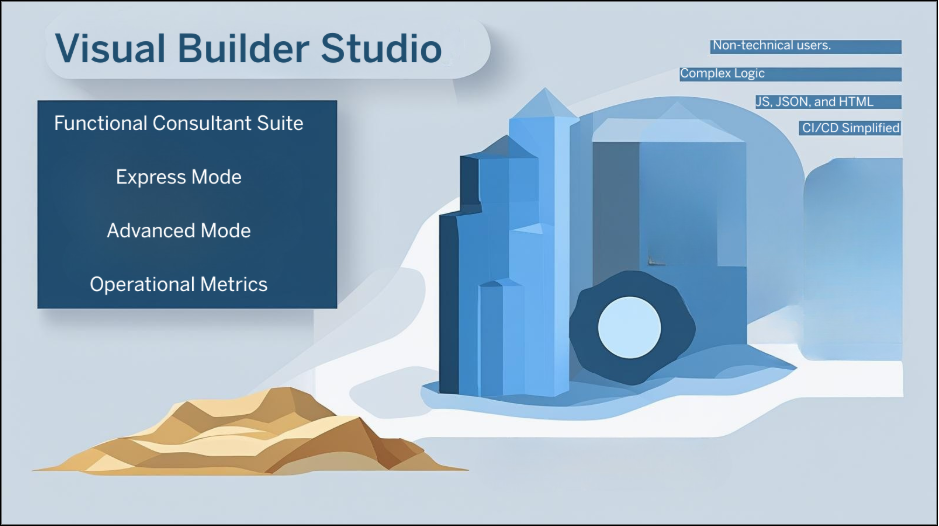
A critical part of any VBS training is understanding the two distinct modes of operation: Express Mode and Advanced Mode.
1. Express Mode: The Functional Consultant’s Tool
Express Mode serves as the definitive solution for most business requirements, covering roughly 90% of standard customization needs. It is a no-code interface where you use business rules to:
- Make fields mandatory or read-only based on user roles.
- Hide regions that are not relevant to specific departments.
- Rearrange the visual flow of a page to match a specific business workflow.
2. Advanced Mode: The Developer’s Workspace
This mode is for technical specialists requiring deep-level access to the source code (JavaScript, JSON, and HTML). However, a key part of VBS’ best practice is to use Advanced Mode sparingly. As of the latest 2026 releases, Oracle has moved more features into Express Mode to ensure easier maintenance.
|
Feature |
Express Mode |
Advanced Mode |
|
User Profile |
Functional Consultant/Analyst |
Low-Code (JS, HTML, CSS) |
|
Complexity |
No-Code (Business Rules) |
High (Requires standard checks) |
|
Upgrade Safety |
Extremely High |
Custom logic and external API calls |
|
Use Case |
Approximately 90% of UI/Field modifications |
Custom logic and external API calls |
In most real-world scenarios, Express Mode should be the default choice, with Advanced Mode reserved for exceptional technical requirements.
The Strategic Path to Success with VBS
To ensure a smooth transition, organizations must adopt a centralized governance model:
I. Centralized Governance
You must maintain a single Visual Builder Studio project for your entire Fusion instance. Centralization ensures a single source of truth and prevents “code collisions” between teams.
II. Mastering VBS Git and Peer Review
To maintain high standards, every Publish event should undergo a formal review. VBS Git allows a lead architect to inspect and govern workspace changes, ensuring quality compliance before merging approval. Proper governance prevents unauthorized changes from entering the production environment.
III. Prioritizing Data Integrity via Validations
Consistent and accurate data capture plays a critical role in maintaining optimal UI performance. Within Oracle Visual Builder Studio, you should use “Configure Validations” aggressively. As an example, making the project code mandatory for purchase requisitions exceeding $5,000 prevents errors at the source and reduces downstream data correction efforts.
Maximizing the VBS Documentation and Community
No guide can replace the value of the official VBS documentation. Oracle updates this repository monthly with new business rules capabilities and component enhancements. Furthermore, staying active in the Oracle community allows you to see how other enterprise organizations are tackling complex Redwood extensions.
Conclusion
Oracle Redwood is more than just a new design; it is a shift toward a more intelligent enterprise experience. Visual Builder Studio is the bridge that allows your organization to cross into this new era with confidence. By adhering to a centralized governance model and following VB Studio best practices, you can transform the Redwood experience into a bespoke solution that aligns perfectly with your business identity.